In the middle of April I decided to change my whole approach to Project Life. In order to save time, I decided to start using the app. It’s a hybrid approach, because I do a little bit of work ahead of time on my computer, and I also add finishing touches once the page is printed.
Let me show you my first spread using the app, and then I’ll explain the process.
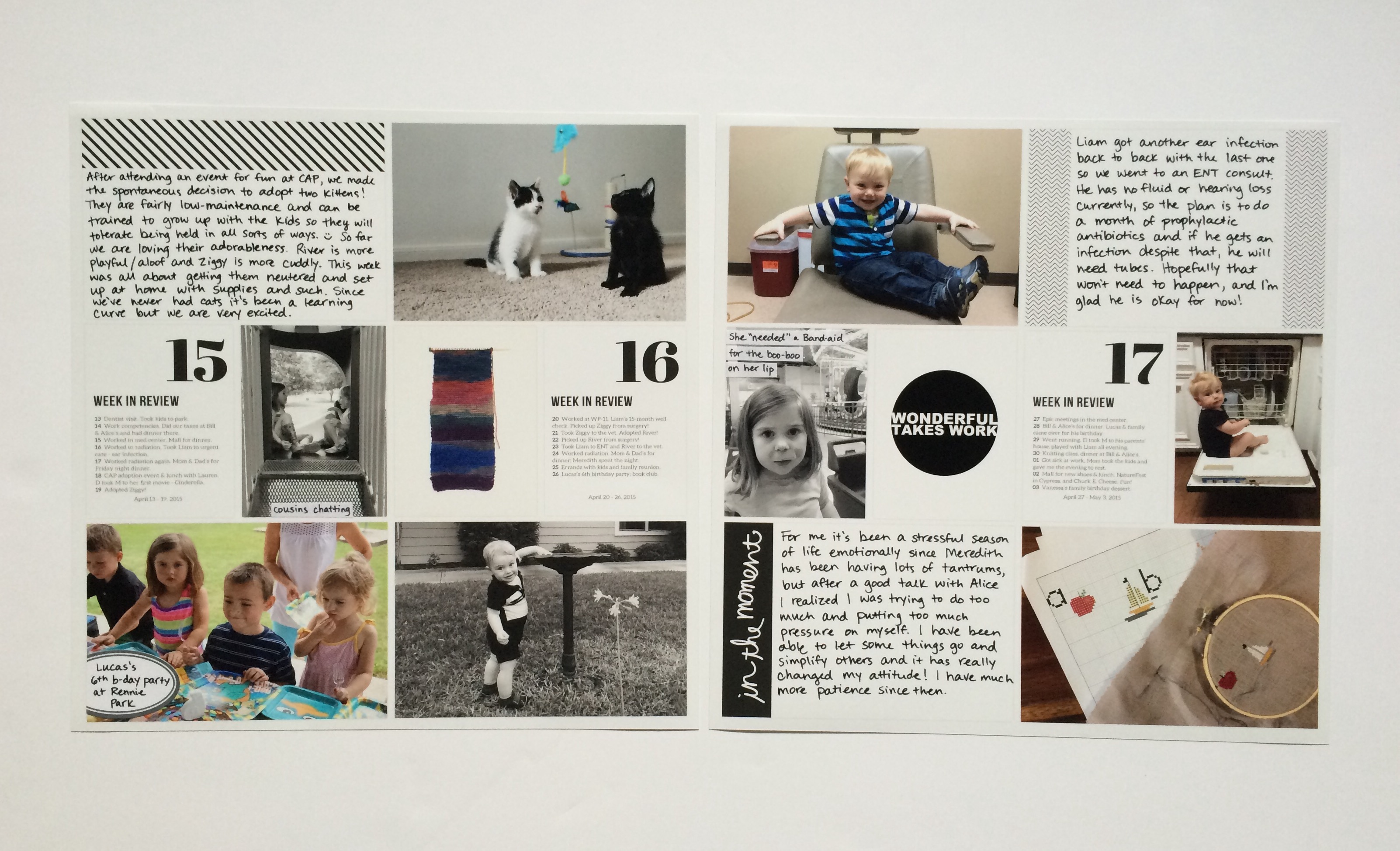
I’m doing kind of a monthly grouping with my spreads, but I still like to do “week in review” cards and work on things every two weeks. Because each month doesn’t have exactly four weeks, by this point in April I needed to include three weekly updates.
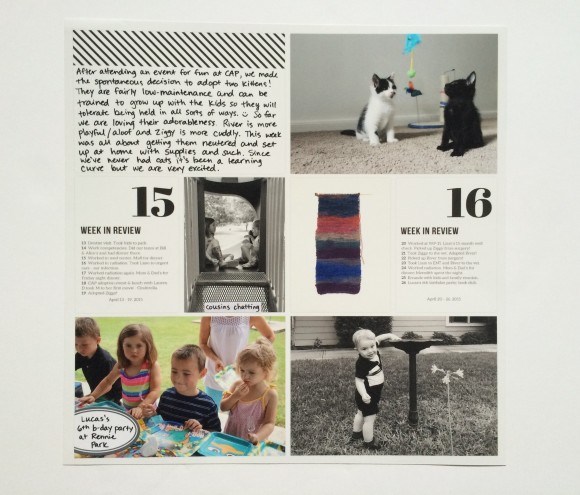
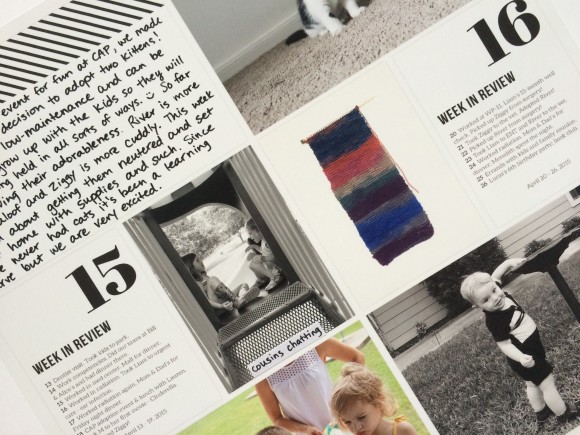
Here I wanted to document getting our kittens, my nephew’s birthday party, knitting my first ball of yarn, and a random cute pic of Liam.
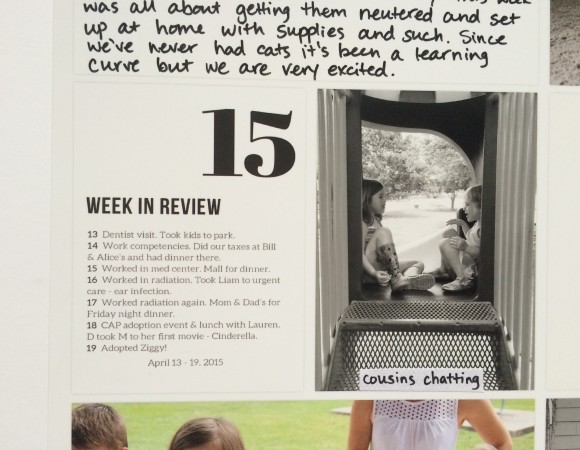
Here’s a close-up of what the text looks like. Very readable. And I added that little label on top of the print, so overall the style is consistent with my previous spreads.
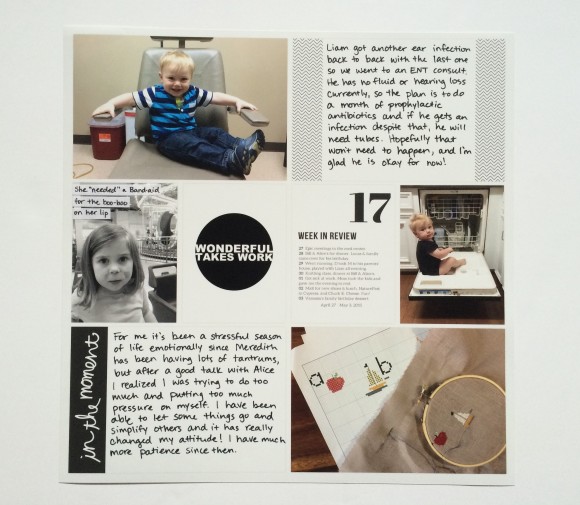
On this side I wanted to write more about taking Liam to the ENT and the stressful season of life it was for me. Then there are more kid and craft pics – nothing new there!
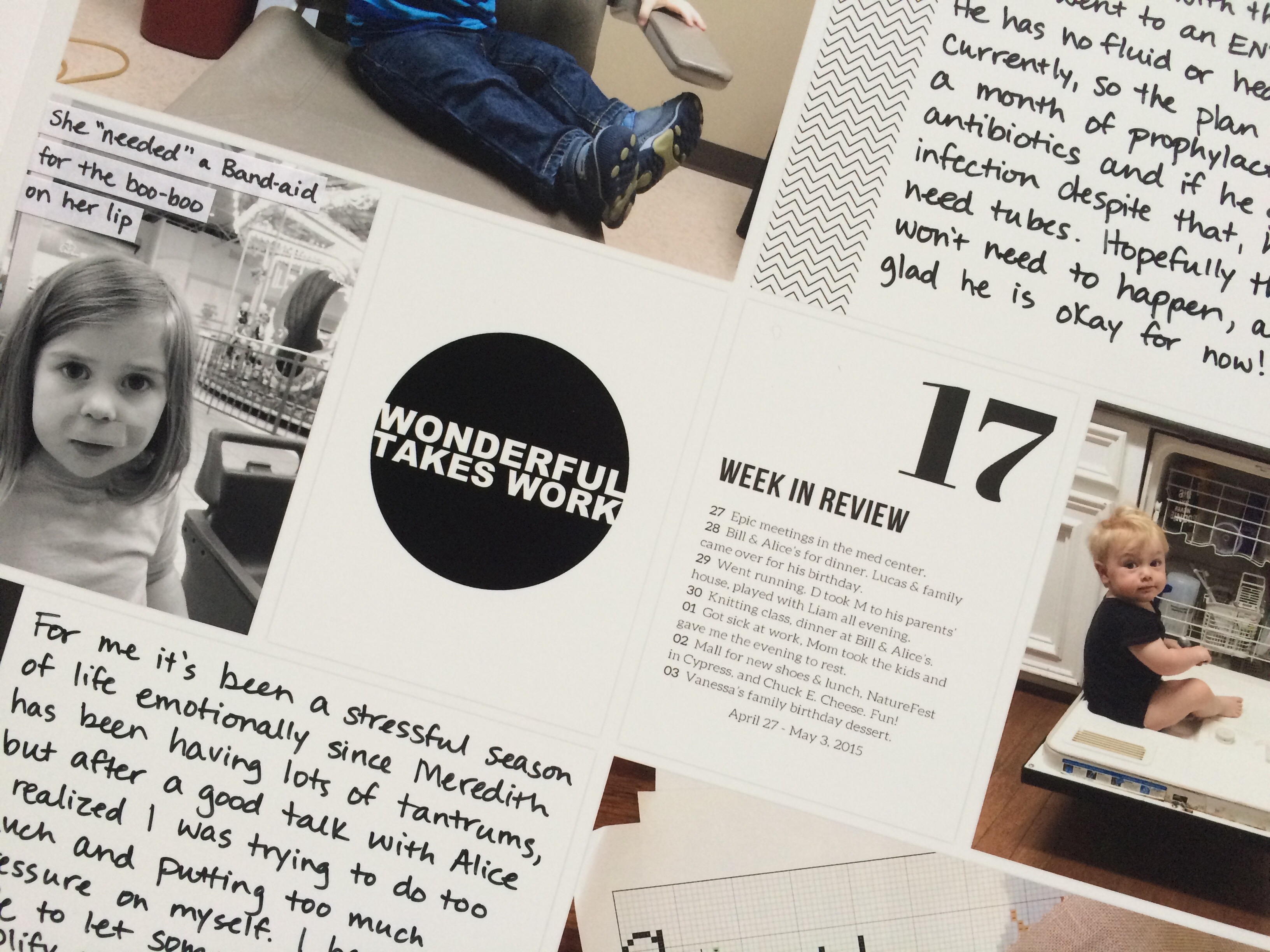
One of my favorite things about using the Project Life app is to easily be able to include digital journaling cards. All you have to do is save them in Dropbox and you can access them easily. That’s also how I got my “week in review” cards into the spread. First I edited them in Photoshop Elements, then just saved and uploaded to Dropbox. Easy.
You can probably figure out my process just from looking at the finished product here, but it just goes like this:
- Edit any journaling cards I need and upload to Dropbox
- Create spread in app
- Order prints
- Add any journaling (I use this pen) or physical embellishments like labels
- Slip into page protector
It’s awesome! The quality of the prints is amazing. It’s fast. It’s easy. It’s versatile. In fact, I don’t know if I even want to go back to doing it the old way. Of course, I lose that “hands on” crafting time, but I do other scrapbooking projects that give me my fix, and now I have more time to do other things.
A few notes:
1. Shipping on prints directly from the app is $5 flat. That’s ridiculous when you just want two 12×12 prints at $1.99 each, so I waited until I had two months’ worth. Obviously it’s a better deal the more you order.
2. If you order a 12×12 print and then cut the photos down to fit in traditional pockets, they will be too small.
3. You can add journaling from the app as well, but I like the look of handwriting.
And that’s it! I have some more spreads to share with you to get caught up in the next few weeks.


Leave a Reply to lauren wCancel reply