Category: project life

  • project life 2015 : june (& future documenting plans)

    project life 2015 : june

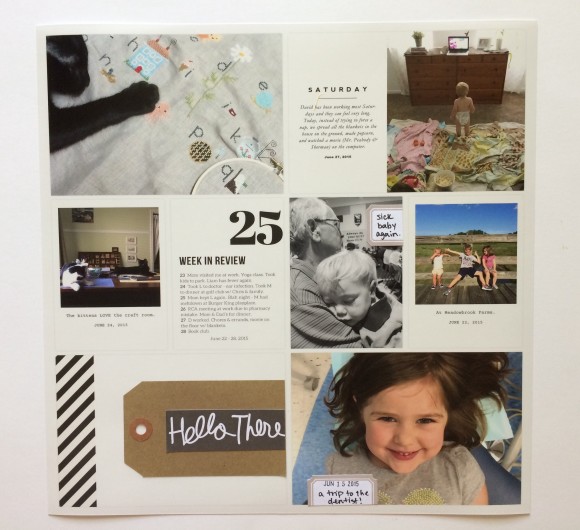
    These are the last Project Life spreads I’m going to make for awhile, and even though I know it’s a good decision I am also really sad about it! As I placed them in the album and paged through the rest of the year, I second guessed myself because it is really so cool to see laid out like this. But I’ve decided to try a new and easier form of documentation, at least during these crazy years with little kids.

    I’ll talk more about my change of plans in a bit, but first here are the layouts from June, if you’d like to see.
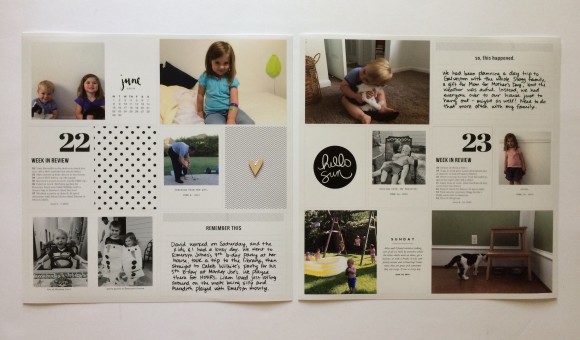
    project life 2015 : june

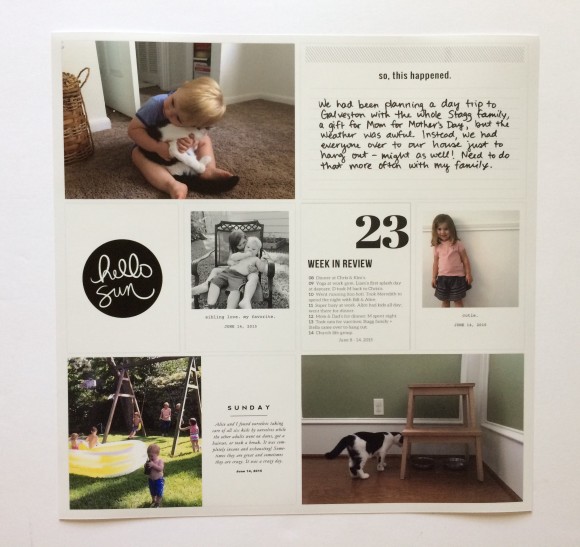
    These were made using the Project Life app, along with some digital templates by Paislee Press, Big City Quiet, and using the Collect app. I think I had finally gotten the hang of balancing my spreads in the app.
    project life 2015 : june

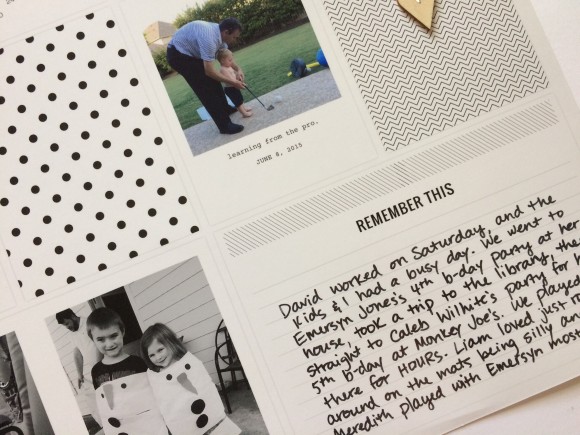
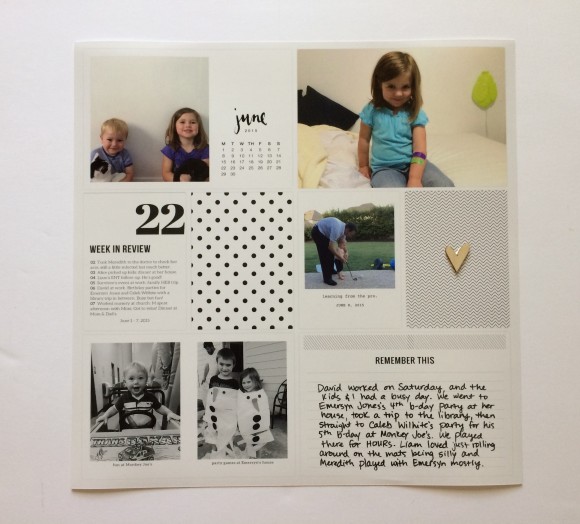
    I added some written journaling and a tiny wood veneer embellishment.
    project life 2015 : june

    project life 2015 : june

    project life 2015 : june

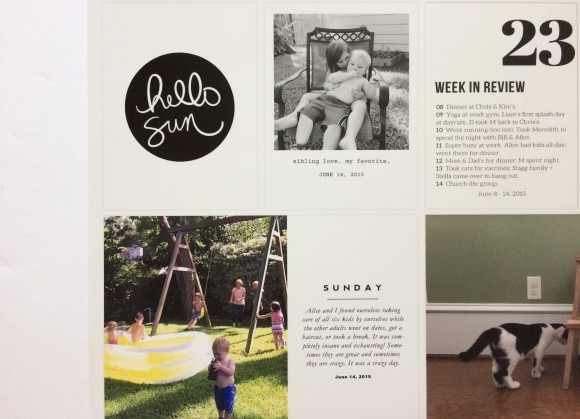
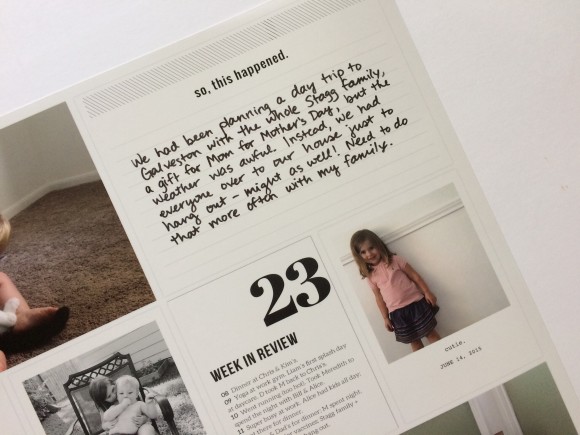
    On the right side I just wrote some journaling and called it good.
    project life 2015 : june

    project life 2015 : june

    project life 2015 : june

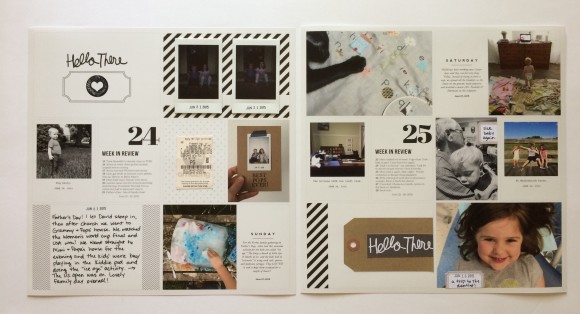
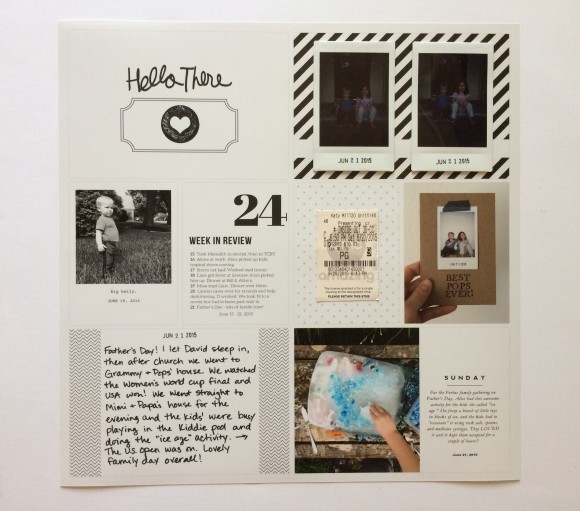
    The next spread, roughly the second half of June, was a little more busy but fun.
    project life 2015 : june

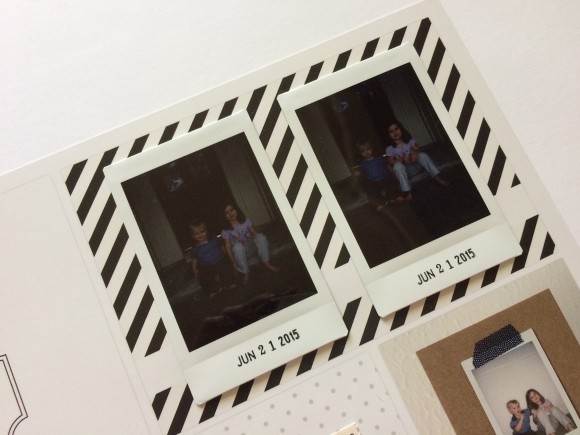
    I took these two Instax photos of the kids for a project, but they turned out too dark to use. I still thought they were cute so I added them in here.
    project life 2015 : june

    project life 2015 : june

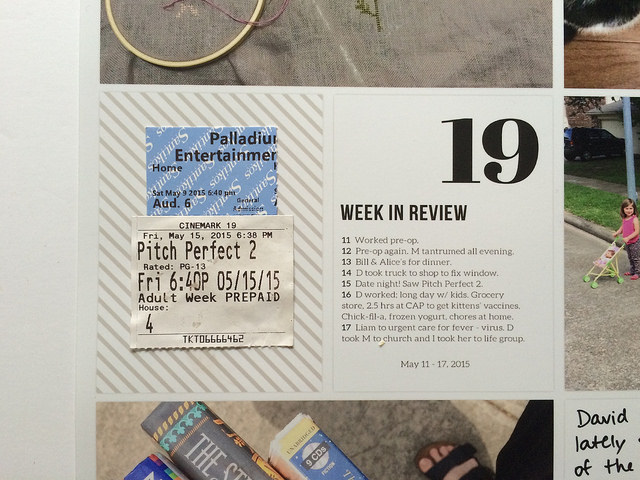
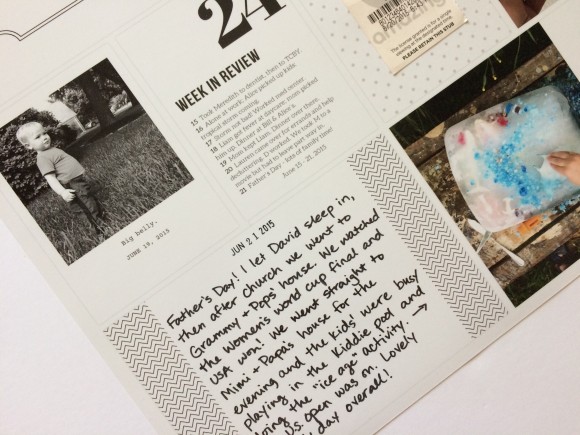
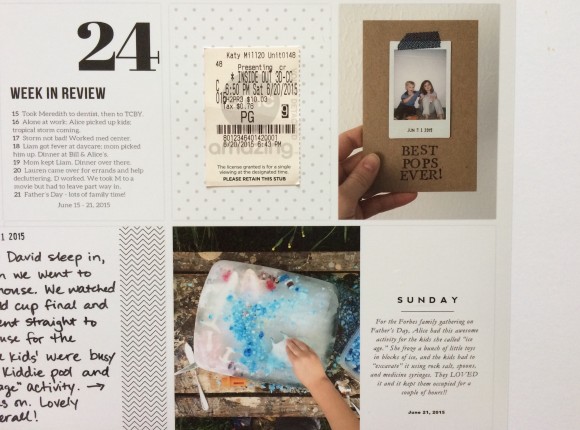
    I glued down a movie ticket stub here.
    project life 2015 : june

    project life 2015 : june

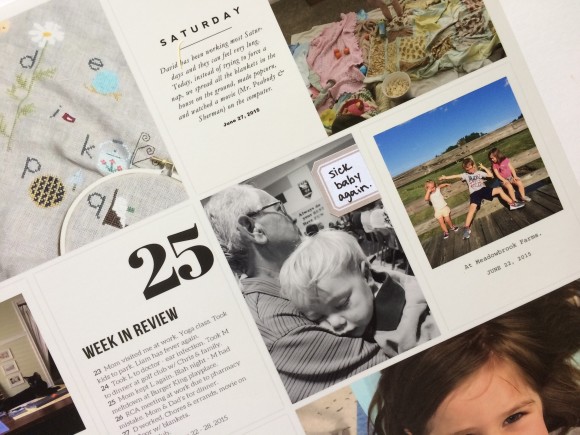
    On the right side I added small labels on top of two photos.
    project life 2015 : june

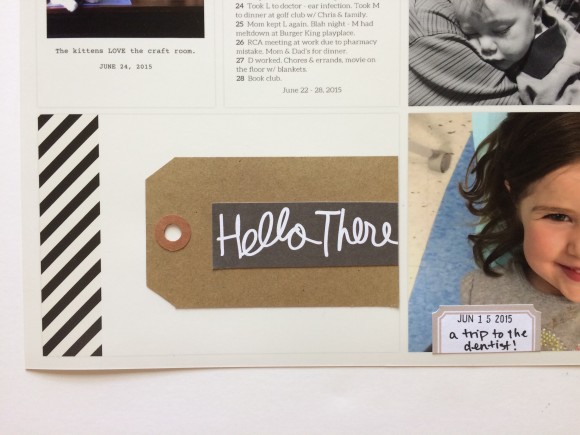
    I realized I did not have much more to say to fill in a whole 4×6 spot with journaling, so I just stuck a shipping tag on there and cut up a filler card from the physical version of the midnight edition.
    project life 2015 : june

    So the deal is that I am switching from Project Life to Chatbooks starting with July. Chatbooks makes 6×6 books of your Instagram photos automatically; they are 60 pages (one photo per page) and are $6. You can edit the cover and the captions and a few other things. I haven’t gotten my first book yet, but when I do I will be sure to update you on how I like them! But I’ve heard good things.

    I decided to do this because I’m in the business of simplifying my life these days. Since I am already putting the effort into my Instagram feed, I figured I’ll just try to post a little more frequently and we’ll have some of the best photos of our everyday life printed easily. Doing Project Life through the app wasn’t that difficult, and I still highly recommend it, but Chatbooks are even easier, and smaller, and cheaper.

    I’ve had some emotions about my decision, and have had to let go of some anxiety about not having things documented as thoroughly, as silly as that may sound. But I think the Chatbooks coupled with my 5-year journal do a pretty good job, and of course there is also my blog. You may have noticed that I have been posting more photos and life updates lately; that is partly for my own record and partly because I just like that blogging style and want to do more of it.

    I do love crafting with paper, but I still plan to continue yearly projects like December Daily and Week in the Life. In fact, I’ll be documenting our week next week and I’m pretty excited about it, especially after getting Ali Edwards’ amazing kit. But I figure I have enough other crafting projects that I also want to try that I don’t want to spend all my spare time on everyday documentation.

    So that’s my plan! I probably didn’t need to denote so many paragraphs to my explanation, but I’ve been such an evangelist for Project Life (and I do still truly love it) that I felt the need to over-explain. :)

    Next week, during Week in the Life, I am going to attempt to blog every day with the previous day’s photos and words. I don’t think I will focus as much on specific times this year as the stories in general. I’ll be using some prompts like “I want to remember” and “around here” to do my journaling. Have you ever tried a project like this? It’s intense but SO fulfilling!
  • project life 2015 : may 2

    project life 2015 : may / kapachino

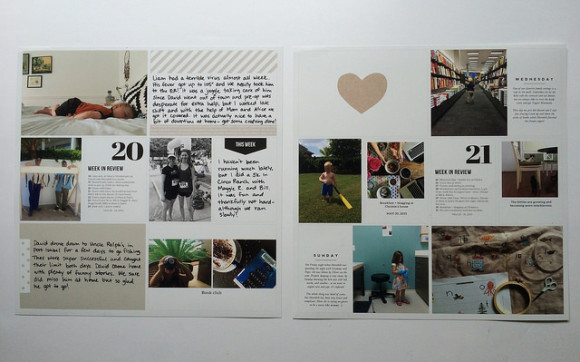
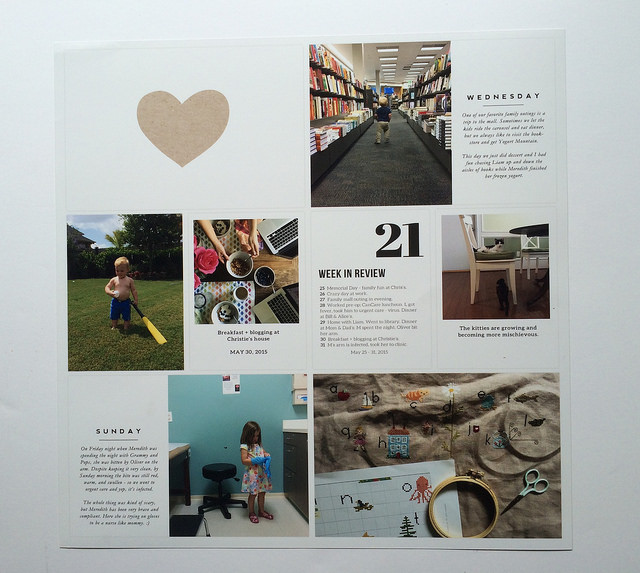
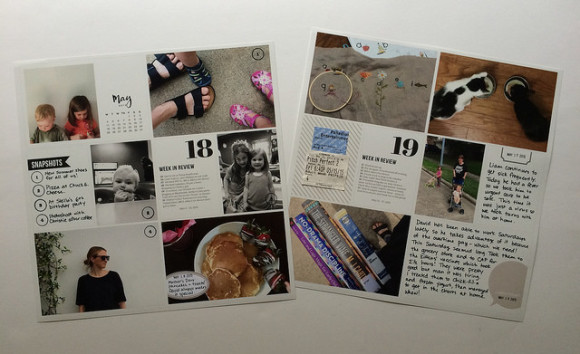
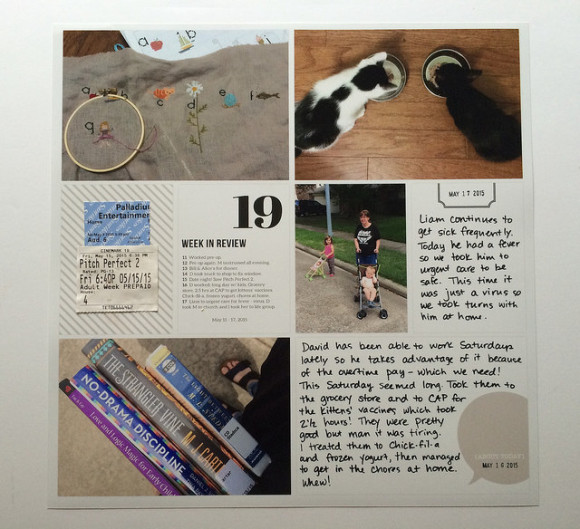
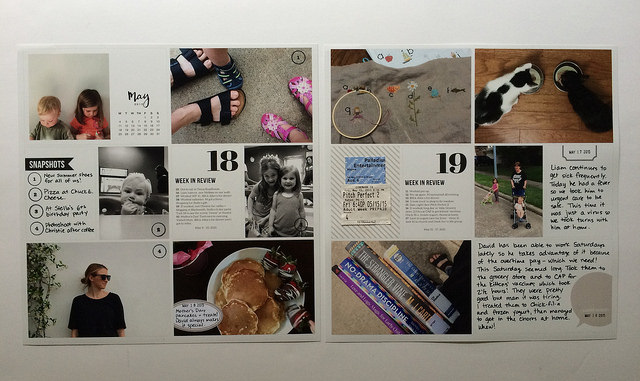
    Here is another Project Life spread for you! This one is from the second half of May. It was made using a combination of the Project Life app, the Collect app, and Paislee Press templates.

    project life 2015 : may / kapachino

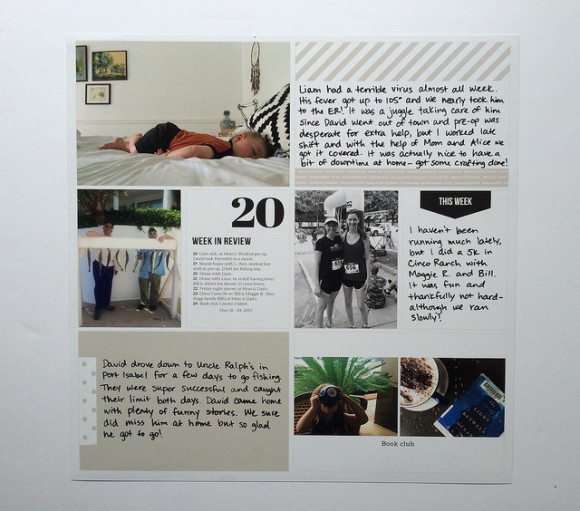
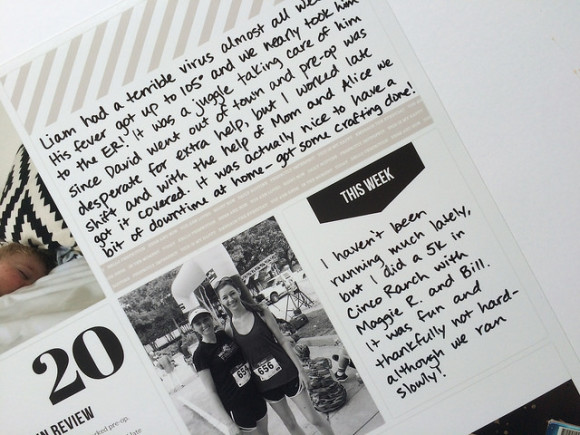
    Once again I didn’t distribute my handwritten journaling very well! All on the left side this week. I’m learning!

    project life 2015 : may / kapachino

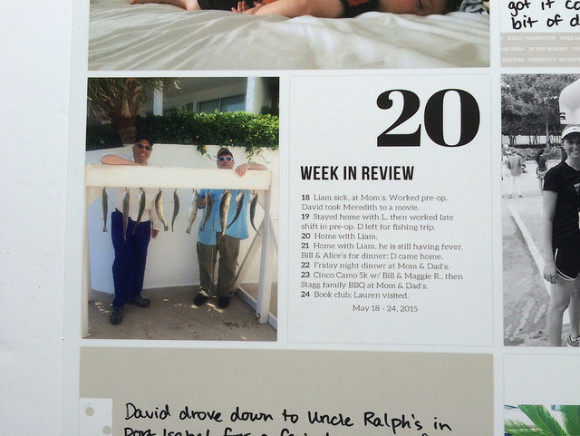
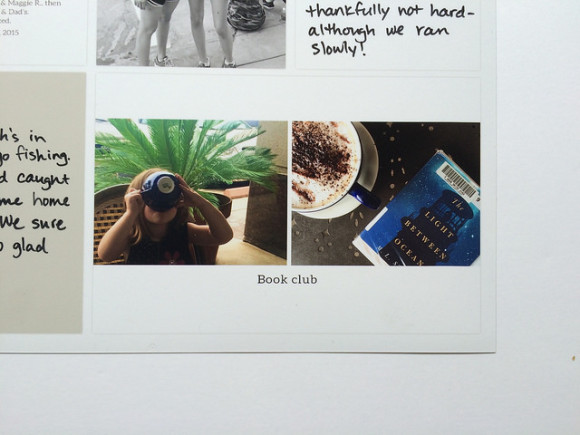
    This first side documented kind of a tough week when Liam had a terrible virus and David was out of town for a few days. But book club and a fun 5k with a friend were high points!

    project life 2015 : may / kapachino

    project life 2015 : may / kapachino

    project life 2015 : may / kapachino

    project life 2015 : may / kapachino

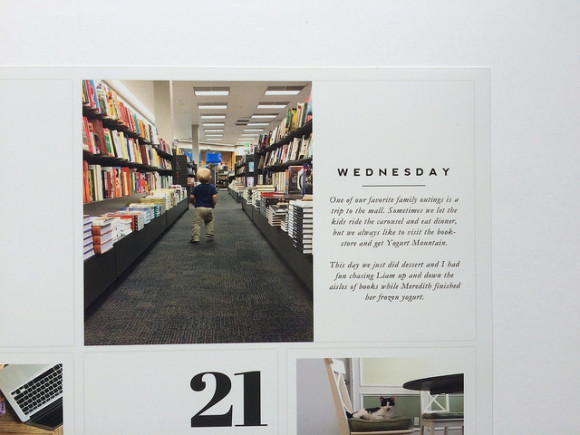
    The right side was more of a mixed bag of random life photos.

    project life 2015 : may / kapachino

    project life 2015 : may / kapachino

    project life 2015 : may / kapachino

    I want to mention again that the quality of prints from the Project Life app is SO great. I have loved making the switch!

  • project life 2015 : may 1

    project life 2015 : may 1

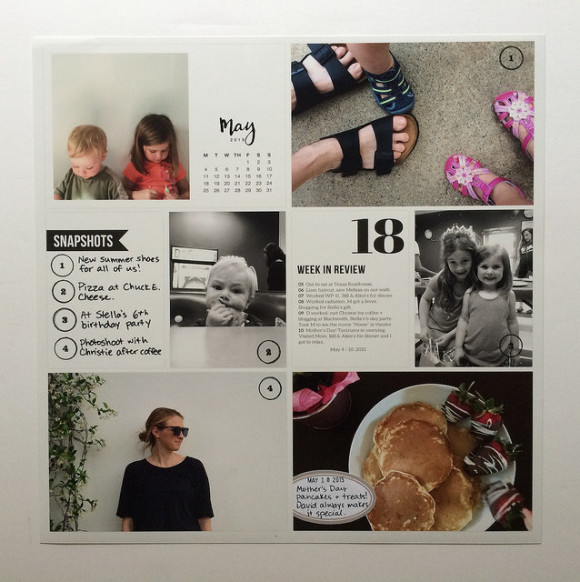
    I’m trying to catch up on sharing my spreads with you! I have them printed through May, and I have them created (in the app) through June. This spread covers the first half of May.

    project life 2015 : may 1

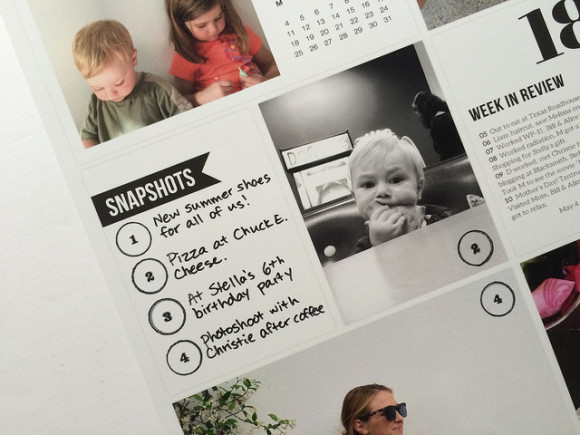
    So this was kind of the beginning of summer. For this side of the spread I decided to number my photos and caption them all on one card. I stamped them and wrote the journaling after printing.

    project life 2015 : may 1

    project life 2015 : may 1

    project life 2015 : may 1

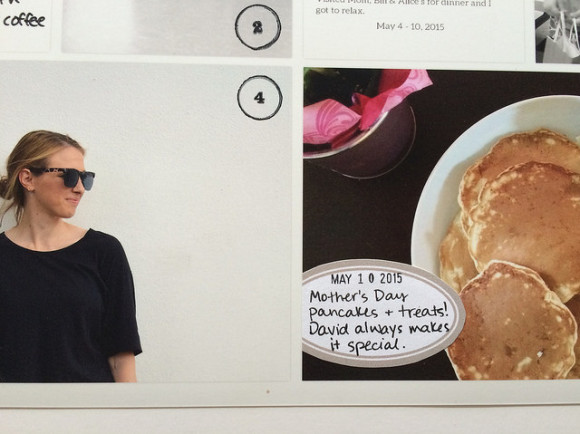
    On the right side, all I did after printing was handwrite some journaling and glue down a couple of movie tickets.

    project life 2015 : may 1

    project life 2015 : may 1

    One thing I notice is that I didn’t balance my handwritten journaling very much. I’m still getting the hang of creating these spreads in the app and finishing them up after printing. I do still love the process though, and how much simpler it is.

    I’m actually thinking about simplifying my everyday documentation even more starting with July. I’ll keep you posted!

    project life 2015 : may 1

  • project life : april 2 & how i’m using the app

    how i'm using the project life app

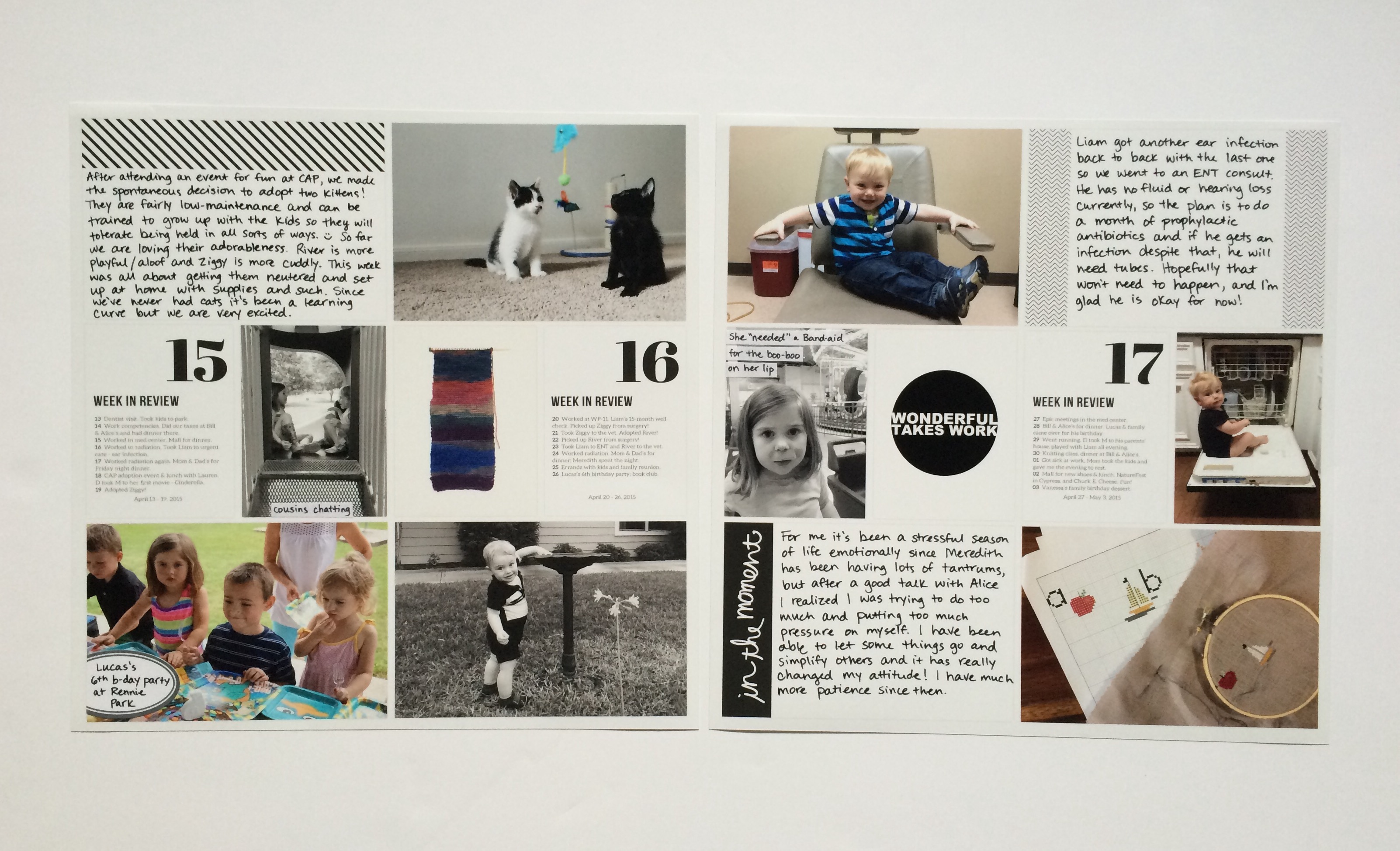
    In the middle of April I decided to change my whole approach to Project Life. In order to save time, I decided to start using the app. It’s a hybrid approach, because I do a little bit of work ahead of time on my computer, and I also add finishing touches once the page is printed.

    Let me show you my first spread using the app, and then I’ll explain the process.

    project life : april two

    I’m doing kind of a monthly grouping with my spreads, but I still like to do “week in review” cards and work on things every two weeks. Because each month doesn’t have exactly four weeks, by this point in April I needed to include three weekly updates.

    project life : april two

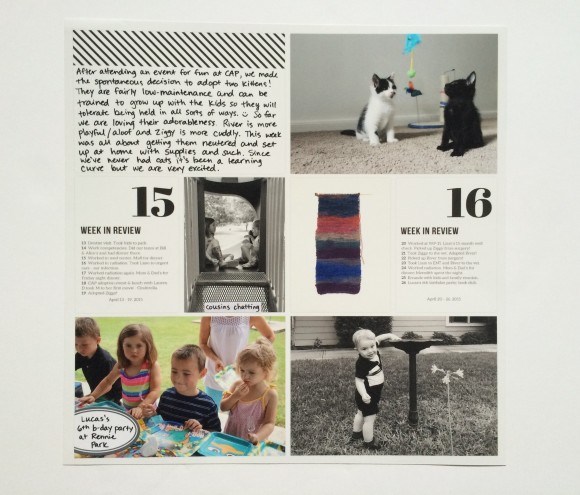
    Here I wanted to document getting our kittens, my nephew’s birthday party, knitting my first ball of yarn, and a random cute pic of Liam.

    project life : april two

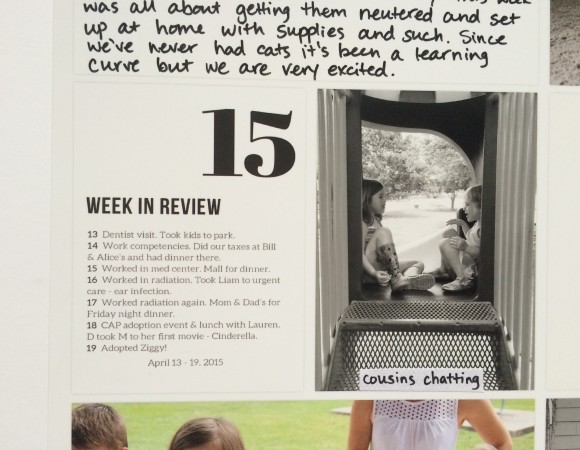
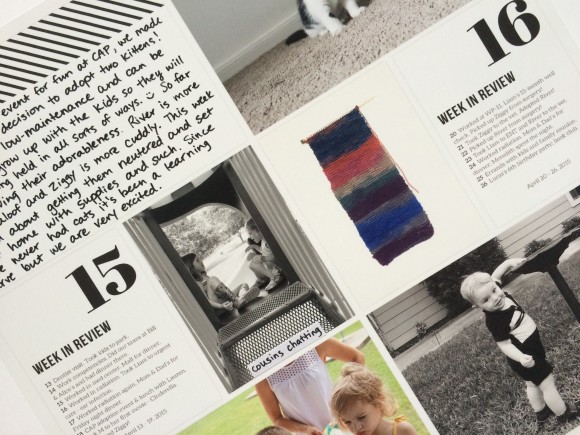
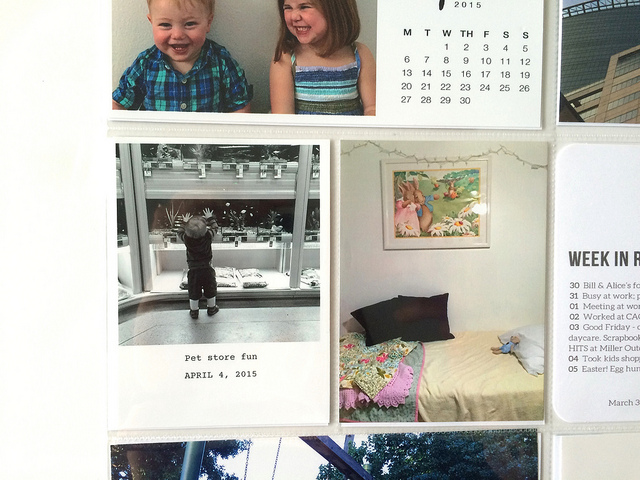
    Here’s a close-up of what the text looks like. Very readable. And I added that little label on top of the print, so overall the style is consistent with my previous spreads.

    project life : april two

    project life : april two

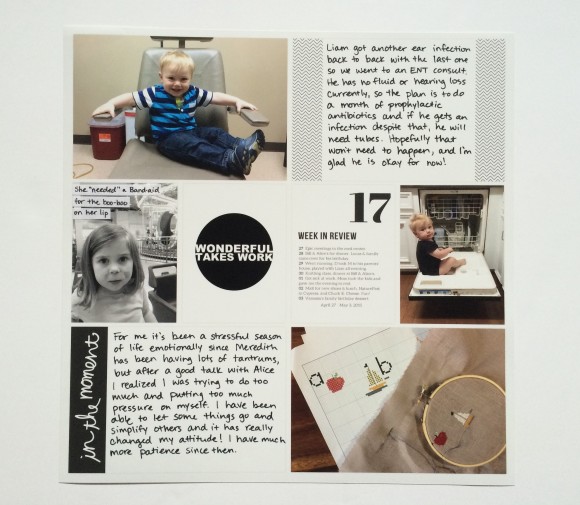
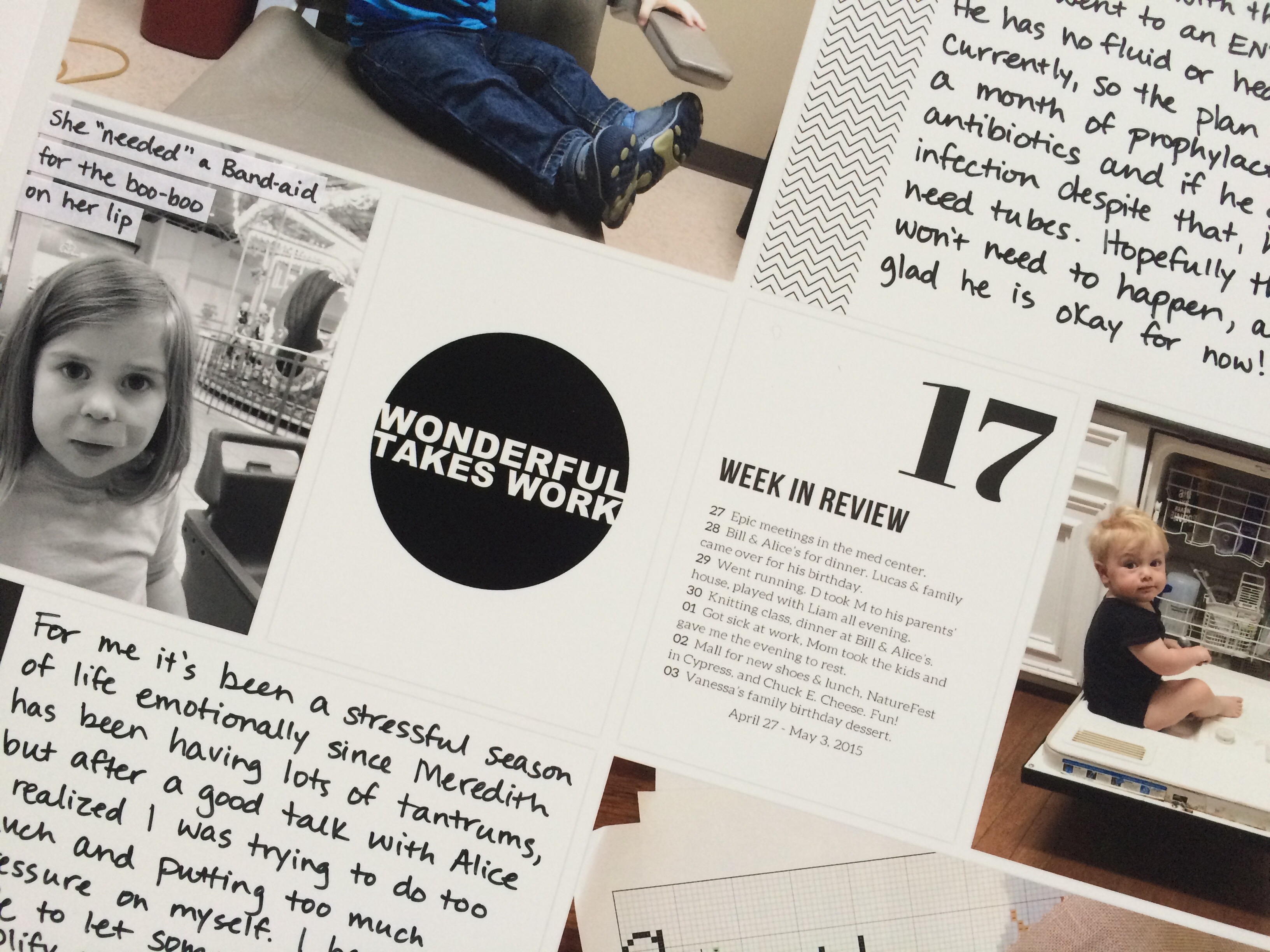
    On this side I wanted to write more about taking Liam to the ENT and the stressful season of life it was for me. Then there are more kid and craft pics – nothing new there!

    project life : april two

    One of my favorite things about using the Project Life app is to easily be able to include digital journaling cards. All you have to do is save them in Dropbox and you can access them easily. That’s also how I got my “week in review” cards into the spread. First I edited them in Photoshop Elements, then just saved and uploaded to Dropbox. Easy.

    You can probably figure out my process just from looking at the finished product here, but it just goes like this:

    • Edit any journaling cards I need and upload to Dropbox
    • Create spread in app
    • Order prints
    • Add any journaling (I use this pen) or physical embellishments like labels
    • Slip into page protector

    It’s awesome! The quality of the prints is amazing. It’s fast. It’s easy. It’s versatile. In fact, I don’t know if I even want to go back to doing it the old way. Of course, I lose that “hands on” crafting time, but I do other scrapbooking projects that give me my fix, and now I have more time to do other things.

    A few notes:

    1. Shipping on prints directly from the app is $5 flat. That’s ridiculous when you just want two 12×12 prints at $1.99 each, so I waited until I had two months’ worth. Obviously it’s a better deal the more you order.

    2. If you order a 12×12 print and then cut the photos down to fit in traditional pockets, they will be too small.

    3. You can add journaling from the app as well, but I like the look of handwriting.

    And that’s it! I have some more spreads to share with you to get caught up in the next few weeks.

    p.s. – a detailed overview of the Project Life app

  • project life 2015 : april 1

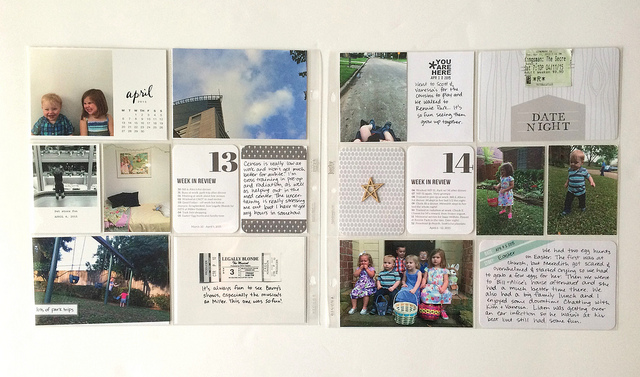
    Today I’m sharing one spread with you, from the first half of April. As I mentioned in this post, I’m at a place where I need to simplify my life to relieve some stress, but instead of giving up on Project Life altogether I am transitioning to using the app. I wanted to share my first spread using the app in a separate post which will be coming soon.

    project life 2015 : april 1 / kapachino

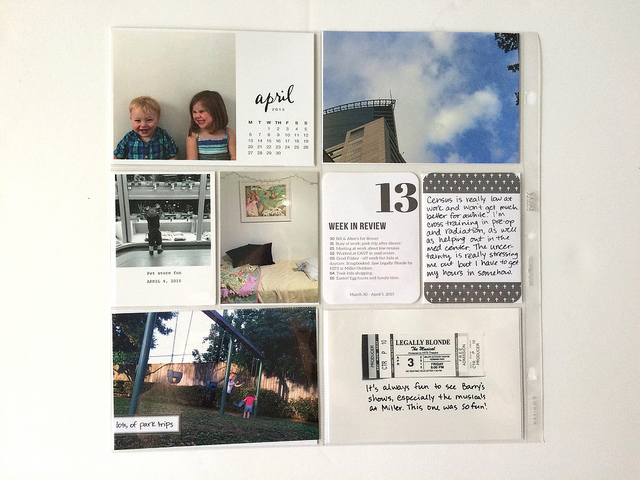
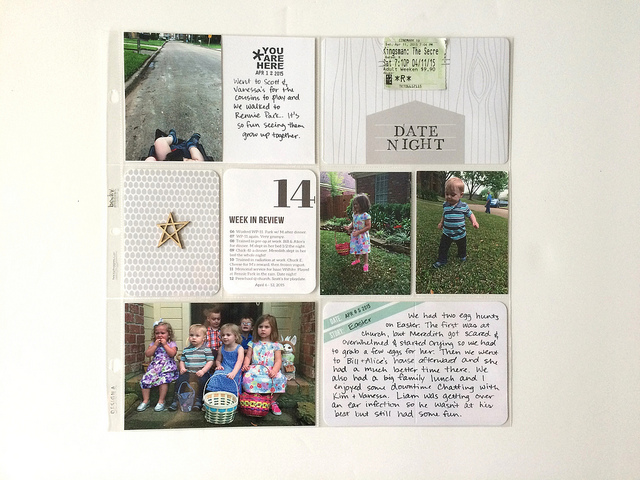
    Anyway, this spread from April is one of my favorites, I think. It’s just so springy and happy. Granted, I wasn’t always feeling happy during this time, in fact there were some pretty tough days, but this time I chose to save those for my journal.

    project life 2015 : april 1 / kapachino

    project life 2015 : april 1 / kapachino

    project life 2015 : april 1 / kapachino

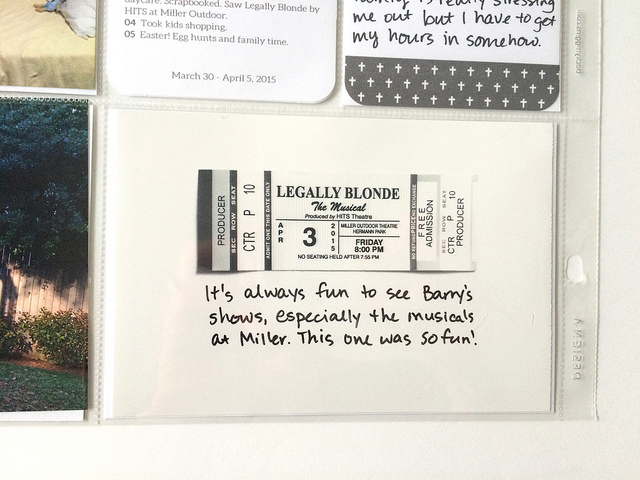
    I had a ticket stub from a musical David and I went to, but it was bright red. Visually it didn’t fit at all, but I still wanted to include it. So I just took a picture of it on a white background, converted it to black and white, and printed it.

    project life 2015 : april 1 / kapachino

    project life 2015 : april 1 / kapachino

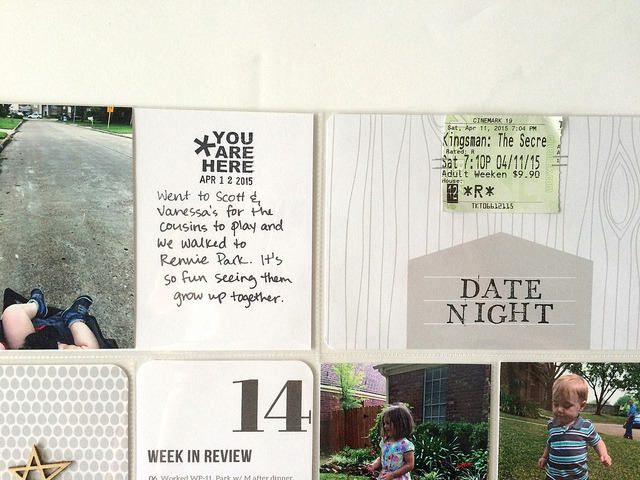
    Two date nights in two weeks!!

    project life 2015 : april 1 / kapachino

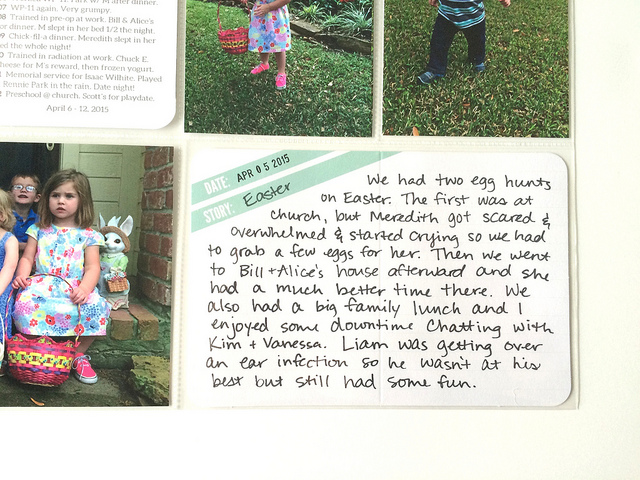
    And just a few photos from Easter and a journal card. In the past I’ve done whole inserts for the holiday but I just didn’t feel up to it this time and I think this is a nice little summary.

    I’m a little bit sad to be losing the process of putting these spreads together, but I was able to see some printed 12×12 spreads that used the app and they look great. I think it’ll be totally worth it to gain a bit of time!